Elora Grid

For electrical engineering consultants

AI Drafting of GAs and Schematics

Draft and update GAs and schematics using AI, backed by a fully auditable change-tracking log.

How it works

From markup to issued drawing in three steps

  1. 01

    Share what you've got

    A marked-up drawing, a rough sketch, a calculation, a list of equipment. Whatever you have, however far along the design is.

  2. 02

    Drawings drafted readable in pdf and autodesk

    General arrangements and schematics drafted by AI in native autocad files and pdf.

  3. 03

    Automatically updates an auditable change-tracking log

    Every version is saved as it's drafted, so you can see exactly what changed, when, and open any earlier version again.

01 · Schematics

Schematics drafted automatically from GAs and SLDs

Single line diagrams, power schematics and control circuits drafted from the design, with every device tagged.

  • HV and LV single line diagrams
  • Diagrams showing how power flows, how it's protected, and how it's controlled
  • Every device and wire labelled the same way throughout
02 · General arrangements

General arrangements

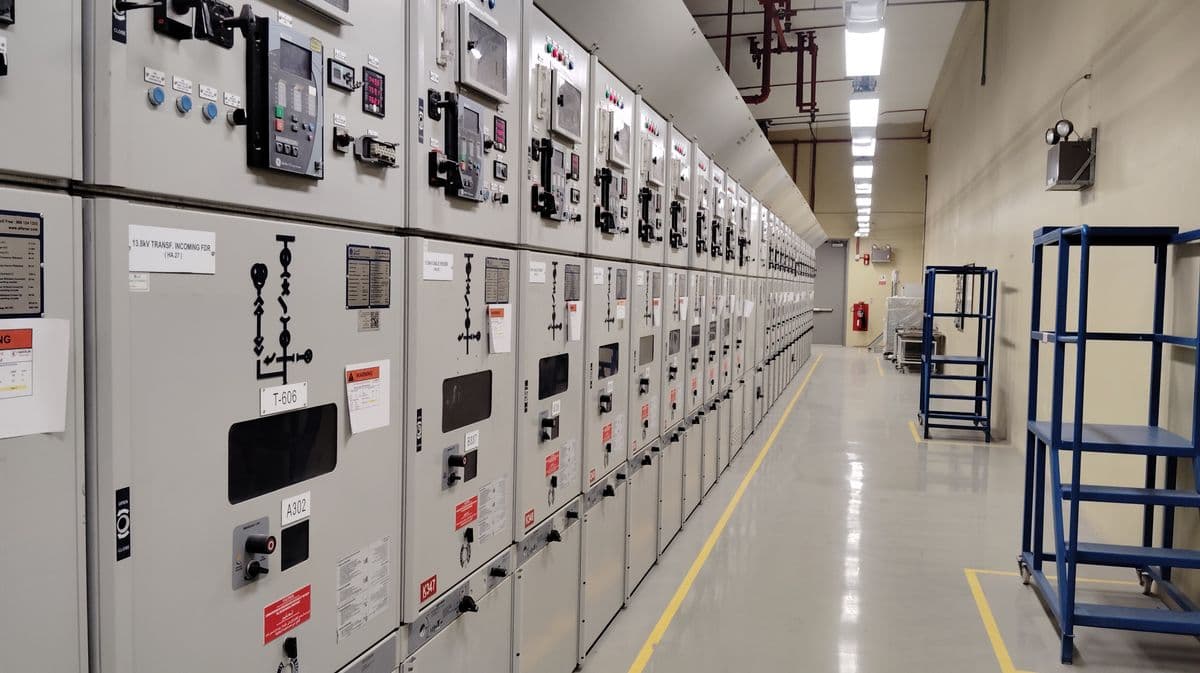
Switchroom, substation and MCC room layouts drafted from the equipment list and the site's constraints.

  • Equipment placement and access clearances
  • Cable trenches, trays and penetrations
03 · AutoCAD files

Works in native AutoCAD files

Drawings come out as real AutoCAD files your drafters can open and edit like any other, plus a PDF for review.

  • Open and edit in AutoCAD like any other drawing
  • Layers and title blocks set up the way your team works
  • A PDF copy for quick review and sharing
Project files · Zone substationExample
  • DWGSLD-2001 Single line diagramRev C · 14 layersPDF
  • DWGSC-1043 Power schematicRev A · 11 layersPDF
  • DWGGA-2101 Switchroom layoutRev A · 18 layersPDF

Opens and edits in AutoCAD. PDF copies for review.

04 · Change log

Automatically maintains an auditable change-tracking log

Every change to a drawing is recorded as it happens: what changed, when and why. Anyone can see the full history and open an earlier revision.

  • Every revision saved, nothing overwritten
  • See exactly what changed between versions
  • A clear record for clients and audits
SLD-2001 Single line diagram · Revision historyExample
  1. Relay 50/51 pickup setting changed

    Rev C · Engineer review · 14 Sep, 10:42

    400 A450 A
  2. AUX TX feeder added to the 11kV bus

    Rev B · AI update from markup · 12 Sep, 16:05

    AUX TX
  3. First issue for review

    Rev A · AI draft from markup · 10 Sep, 09:18

Every revision kept. Open any earlier version.

Who it is for

For the networks, plants and sites you design

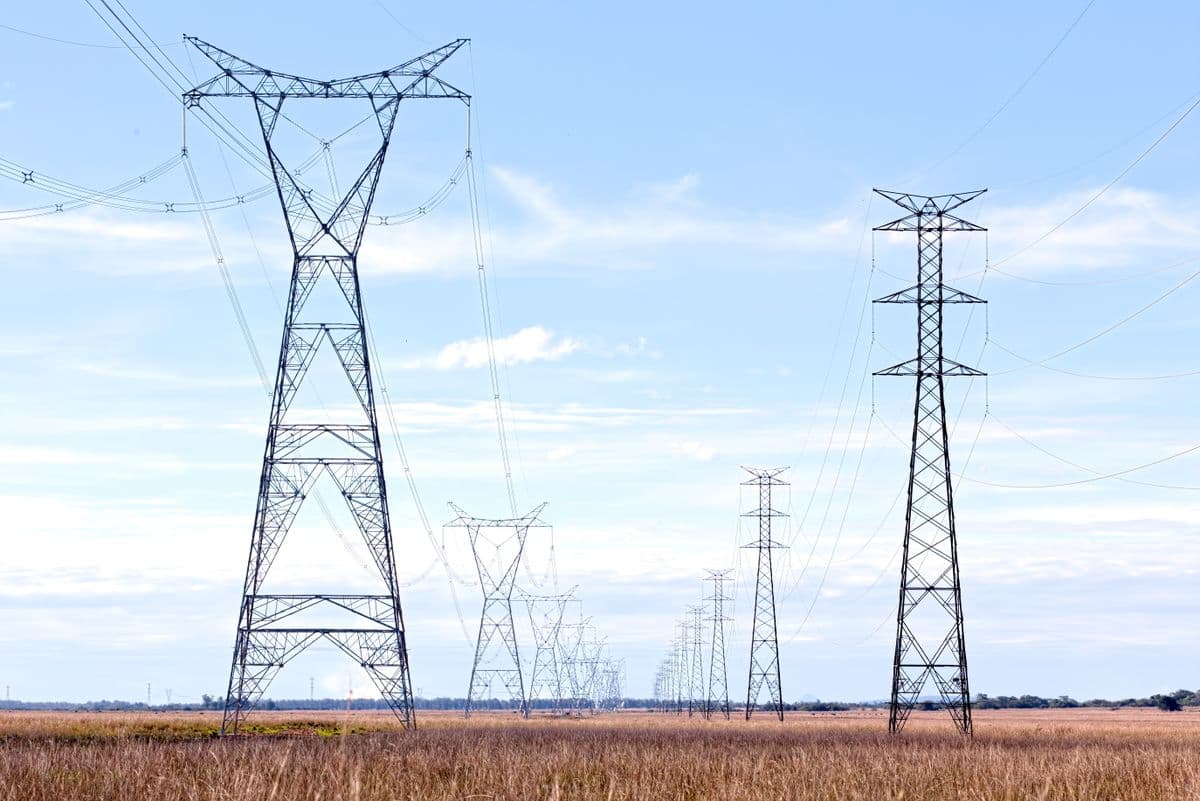
Substations and overhead lines
Switchrooms and MCCs
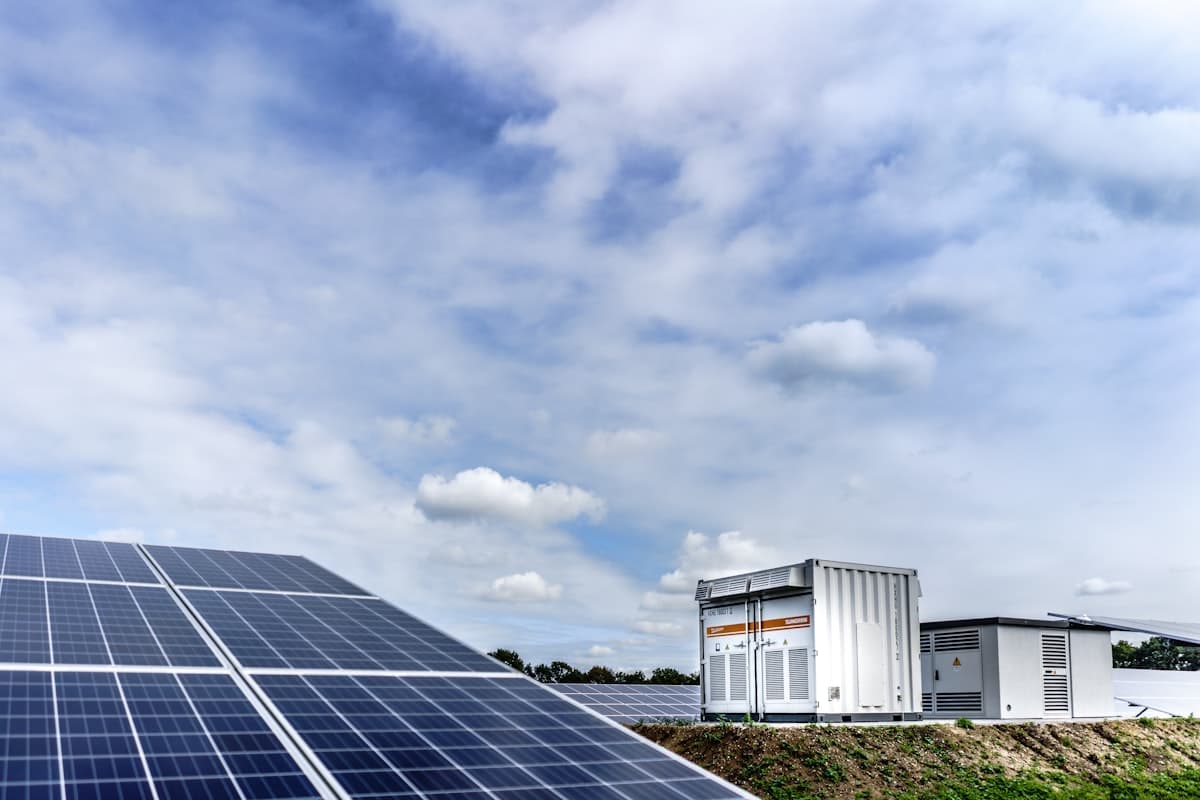
Renewables and storage
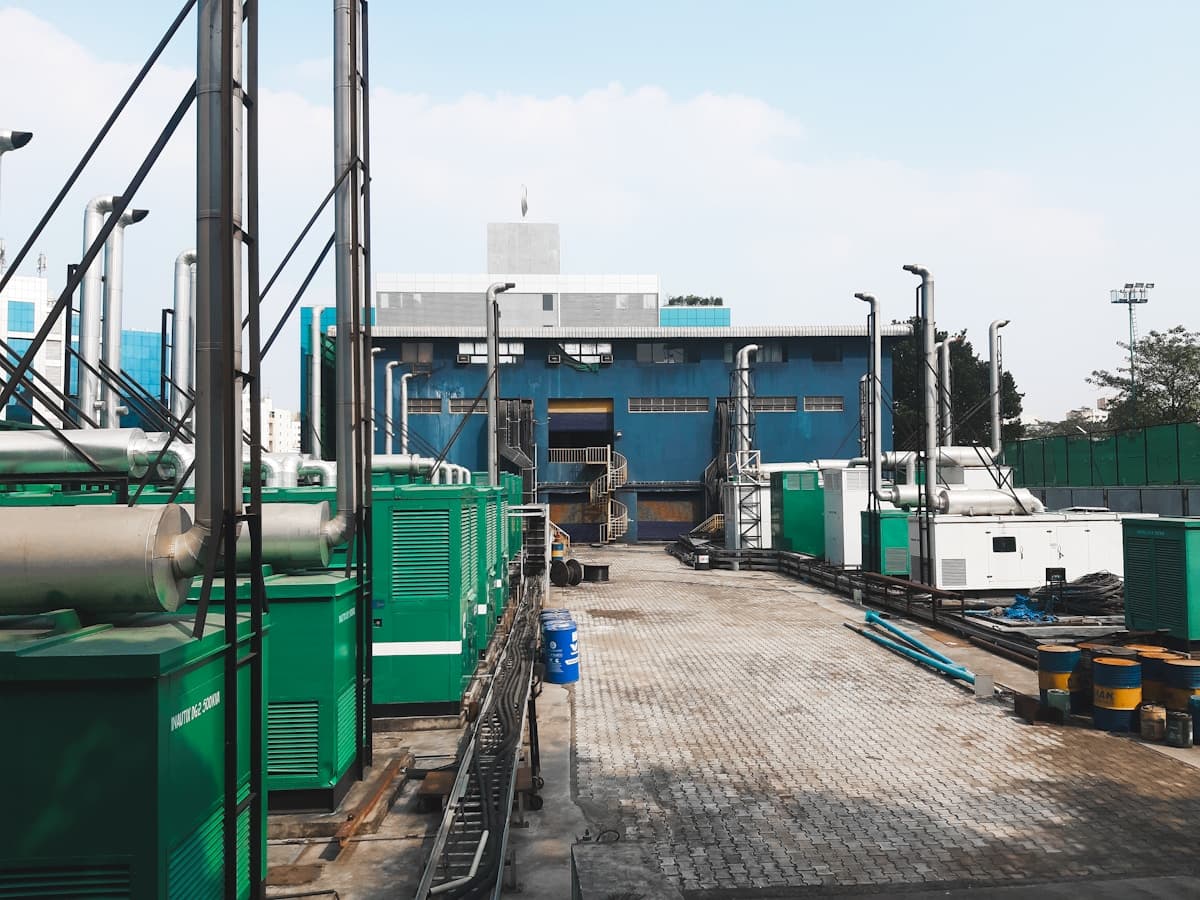
Power generation
Book a demo

See it draft from one of your markups

Leave your details and we'll set up a demo on a past job of yours, so you can judge the drawings on work you know.

  • A reply from a person, usually within one business day
  • Run on one of your own jobs or demo data
  • NDA available on request