From your single line diagram to the full drawing set.
Upload the SLD. Elora Grid drafts the control schematics and tender GA in your title block, flags gaps as RFIs, and issues nothing until your engineer approves.
Drafted from SLD_Rev_B.pdfSchematic set and GA ready for review
In short
What a single line diagram is, and what happens to it here
A single line diagram (SLD, or one line diagram in the US) shows an electrical system's sources, switchgear, protection devices and loads as one line per circuit. Elora Grid reads the SLD from a tender pack and drafts what follows it: control schematics from your circuit library, with wire and terminal numbers, and the switchroom or enclosure general arrangement with clearances and dimensions. Gaps in the SLD become RFIs, and nothing is issued until your engineer approves.
How it works
From SLD to drawing set in three steps
01
Send the single line diagram
The SLD from the tender pack, plus the equipment list if you have one. DWG, DXF or PDF.
Control schematics drafted from the single line diagram and your circuit library, with wire numbers, terminal numbers and cross references checked across the set.
Circuits from your library, not invented
Wire and terminal numbers carried through every sheet
Schematic register and cable schedule as a spreadsheet
02 · Tender GAs
The general arrangement, read off the SLD and equipment list
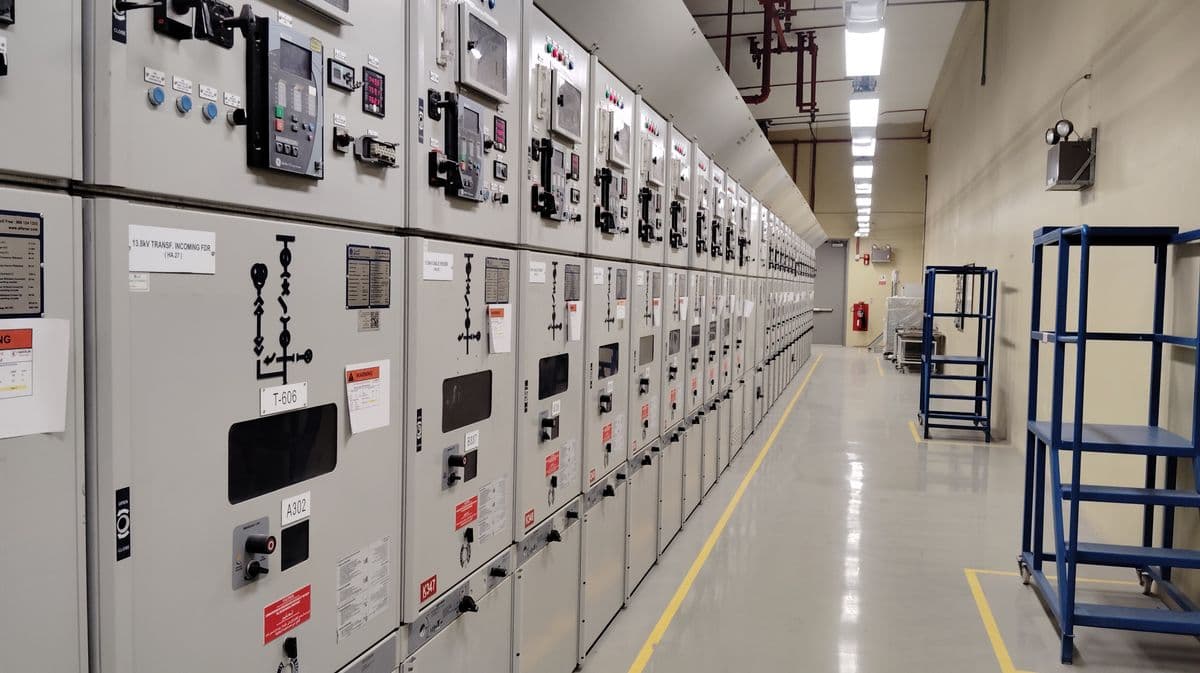
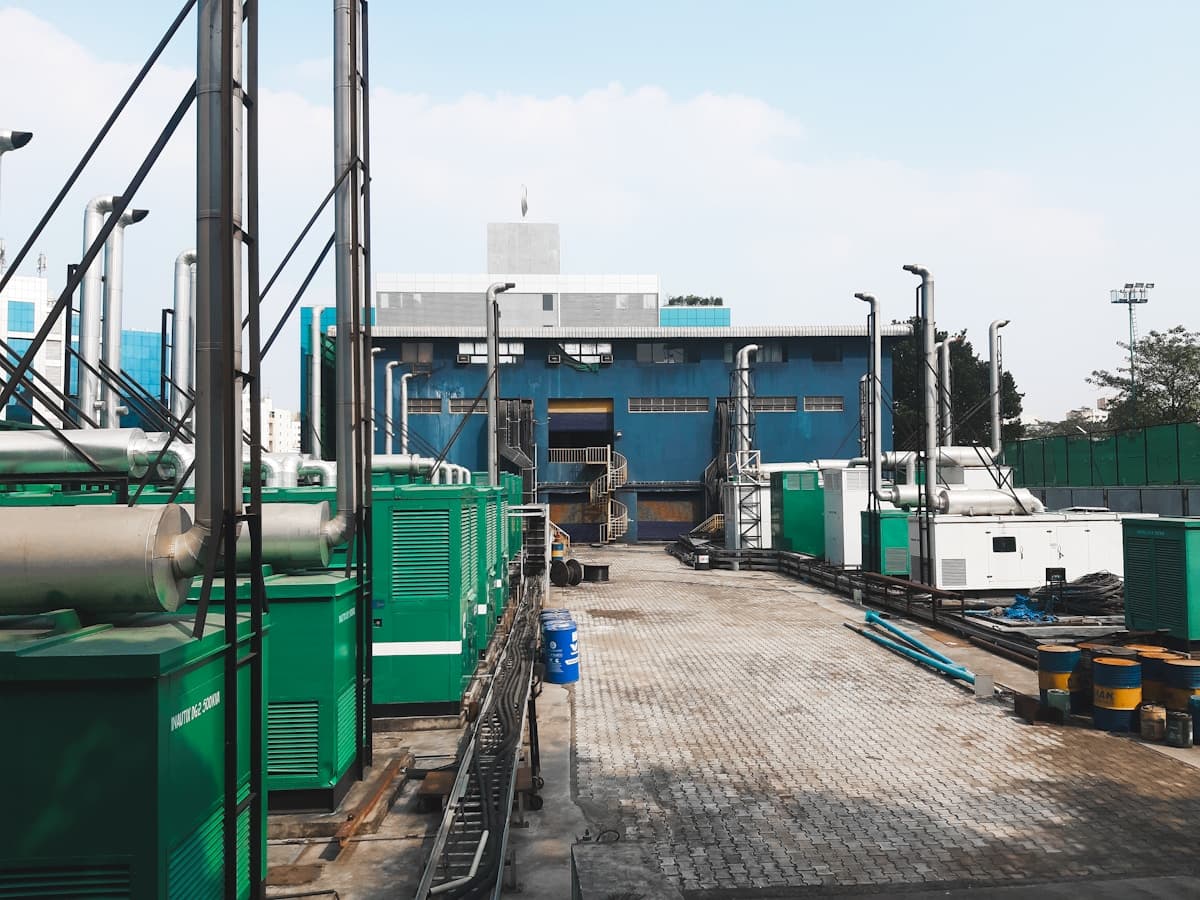
A switchroom GA from the SLD and equipment list, or a generator enclosure GA from the noise and airflow calculation, with measured dimensions, hatched clearances, a TBC table and the RFIs.
Equipment placement and access clearances
Open items listed as RFIs on the sheet
Tender GAs, not fabrication drawings
03 · AutoCAD files
Files your drafters open in AutoCAD
Approved drawings come out as DWG, DXF, PDF and PNG, in your title block and to your drafting standard.
DWG and DXF your drafters can edit
Your title block, symbols and numbering
A PDF copy to send with the quote
Project files · Zone substationExample
DWGSLD-2001 Single line diagramRev C · 14 layersPDF
DWGSC-1043 Power schematicRev A · 11 layersPDF
DWGGA-2101 Switchroom layoutRev A · 18 layersPDF
Layers
E-POWER
E-PROT
E-ANNO
E-DIMS
TITLE
Opens and edits in AutoCAD. PDF copies for review.
04 · Approval and revisions
Every sheet is a proposal until your engineer approves it
It cannot issue in the same step it drafts. Send a client redline and each item is changed or declined with a reason, clouded, and logged in the change register.
Every version saved, compare any two, restore any one
Client redlines applied item by item and clouded
A change register for clients and audits
SLD-2001 Single line diagram · Revision historyExample
C
Relay 50/51 pickup setting changed
Rev C · Engineer review · 14 Sep, 10:42
400 A450 A
B
AUX TX feeder added to the 11kV bus
Rev B · AI update from markup · 12 Sep, 16:05
AUX TX
A
First issue for review
Rev A · AI draft from markup · 10 Sep, 09:18
Every revision kept. Open any earlier version.
Who it is for
For the switchrooms, substations and plants you design
Switchrooms and MCCsSubstations and HVBattery storage and microgridsPower generation
Your team stays in charge
Your drafters sign off
Every drawing is a proposal until your engineer approves it.
Nothing invented
If the SLD does not show it, it becomes an RFI.
Your drawing standards
Your title block, symbols and numbering, loaded once or read off your past drawings.
Private by default
Nothing you upload is used to train a model.
FAQ
Questions, answered
Does it draw the single line diagram?
Not today. It reads the SLD you have (DWG, DXF or PDF) and drafts the control schematics and general arrangement from it.
What does a single line diagram need to show for the schematics to follow?
Sources and tie arrangements, the protection and control devices on each circuit, and equipment tags. Anything missing is listed as an RFI to close with the client before issue.
Will the drawings match our drafting standard?
Yes. Your title block, symbols, numbering, wire numbering, clearances and layout rules are stored in Settings, or read off your past drawings and confirmed with you. A missing standard is marked TBC on the sheet.
What files come out?
DWG, DXF, PDF and PNG, plus a spreadsheet register: schematic register and cable schedule, GA register, or change register for a revision.
What happens when the client marks up the drawings?
Send the redline PDF with the drawing. Each item is changed or declined with a reason, every change is clouded, and the change register records what moved.
Is this a general arrangement for fabrication?
No. It is a tender GA for pricing and layout review. Fabrication and construction drawings stay with your drafters.
Book a demo
Send a real SLD. Get the drawings back.
We'll draft the schematics and GA from one of your past tenders, so you can check them against your own.
A reply from a person, usually within one business day